Build watchable, sellable courses without LMS bloat
Publish lessons, run Q&As, and keep learners engaged with posts, rooms, forms, polls, calendar, and analytics in one course space.
Start your course with Pivot


Why Course Creators Choose This Workspace
Structure learners can follow
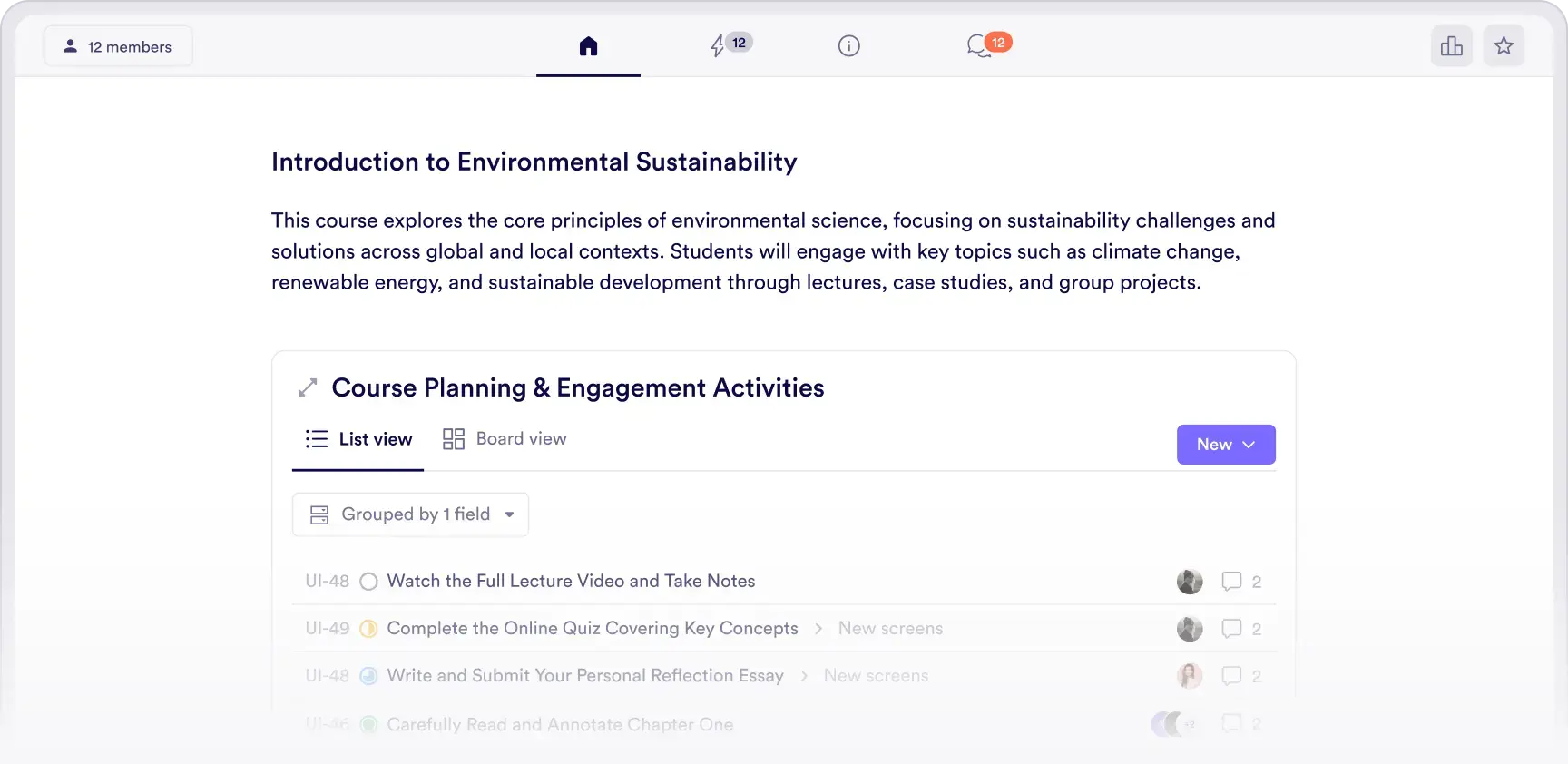
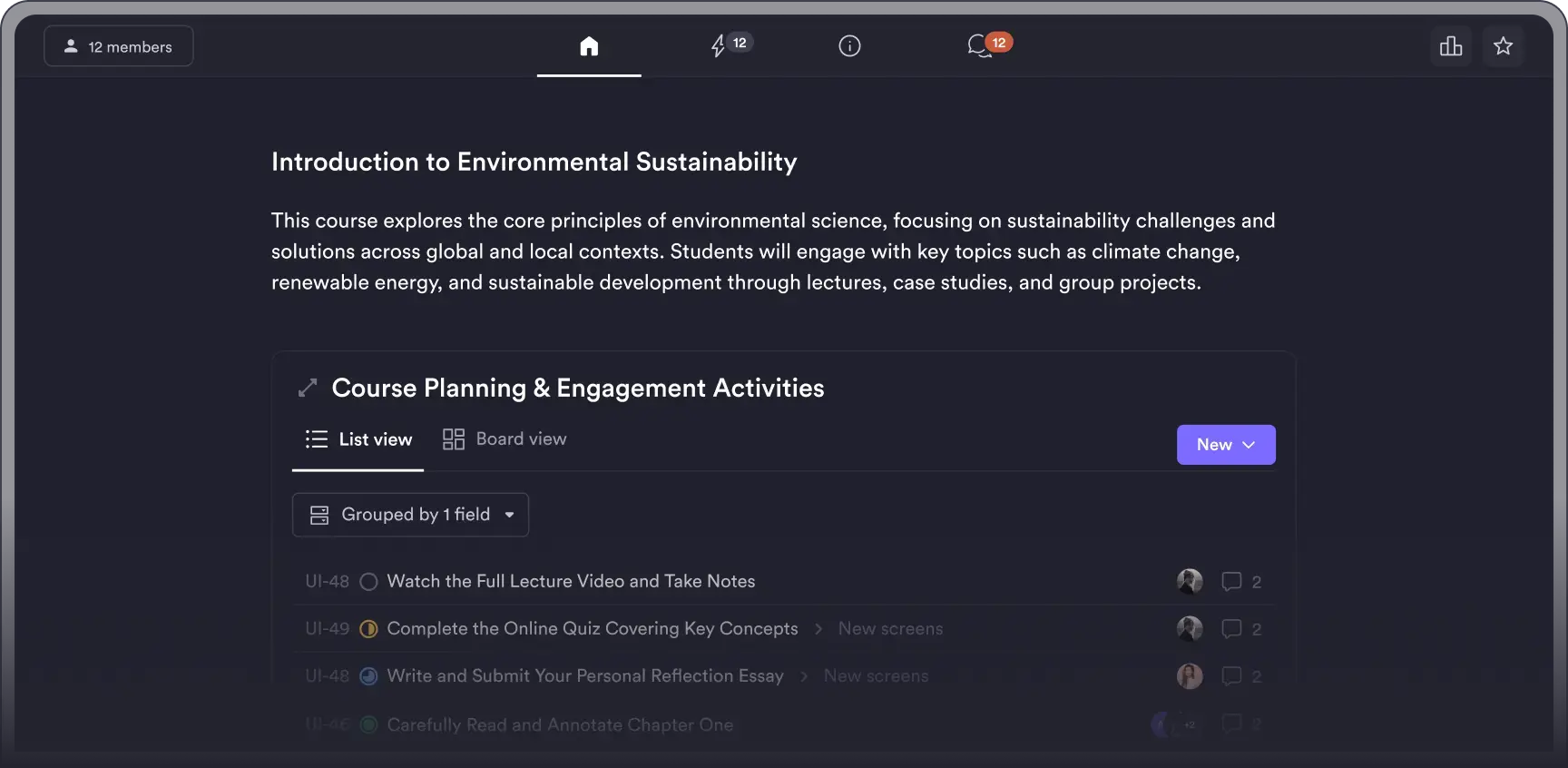
Modules, lessons, resources, and announcements live together so learners always know what to do next.
Live and async, side by side
Run office hours and Q&As, then post the recap where the questions keep going.
Signals that improve the course
See turnout, participation, and post activity so you can adjust pacing and topics early.
Course Formats That Keep Learners Engaged
Evergreen course with live touchpoints
Modules on pages, monthly Q&A in a room, pinned recaps, and a visible roadmap.


Cohort cadence
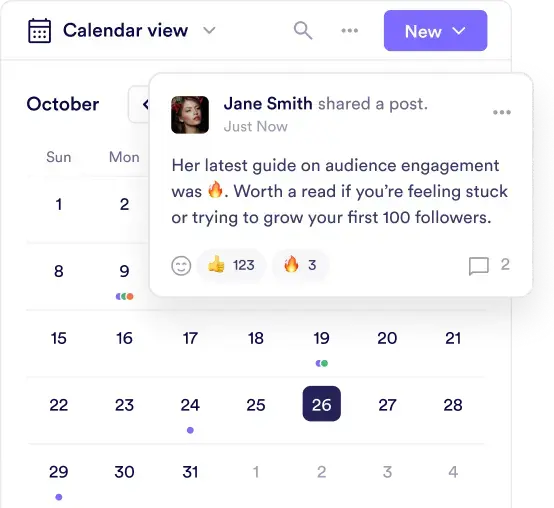
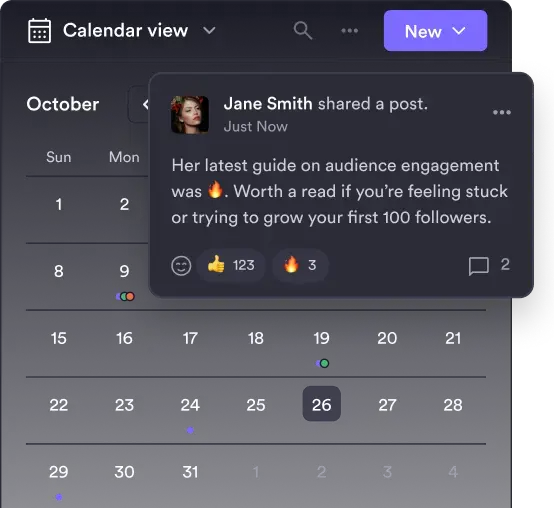
Weekly live session, recap post, midweek prompt, and a check-in form that feeds next week.
Workshop series
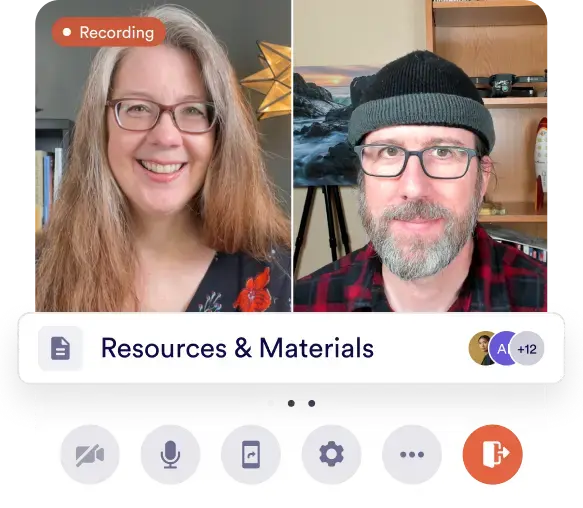
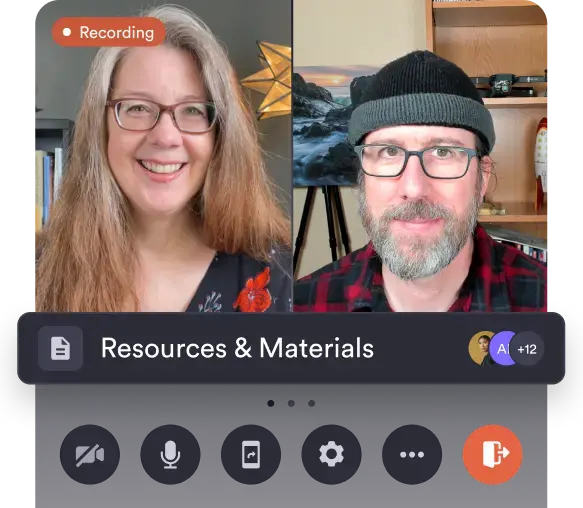
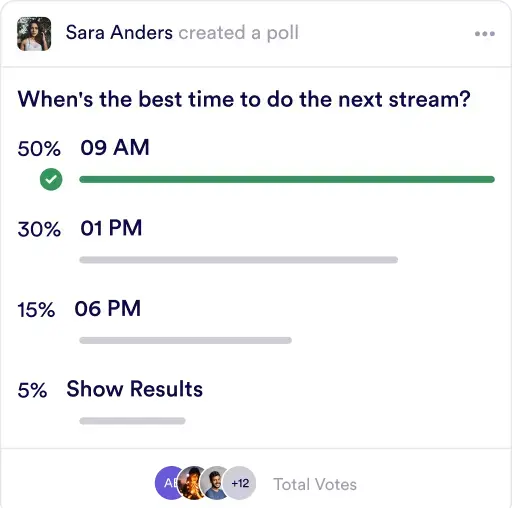
Registration form, live session with replay, resources library, and a follow-up poll.
Community-led learning
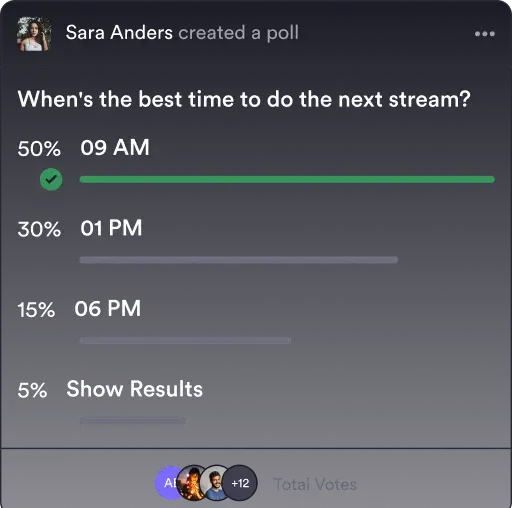
Topic polls, spotlight posts, and a lounge room that keeps peer tips organized.
How a Course Actually Moves
Controls That Keep Your Course Healthy
Access and enrollment
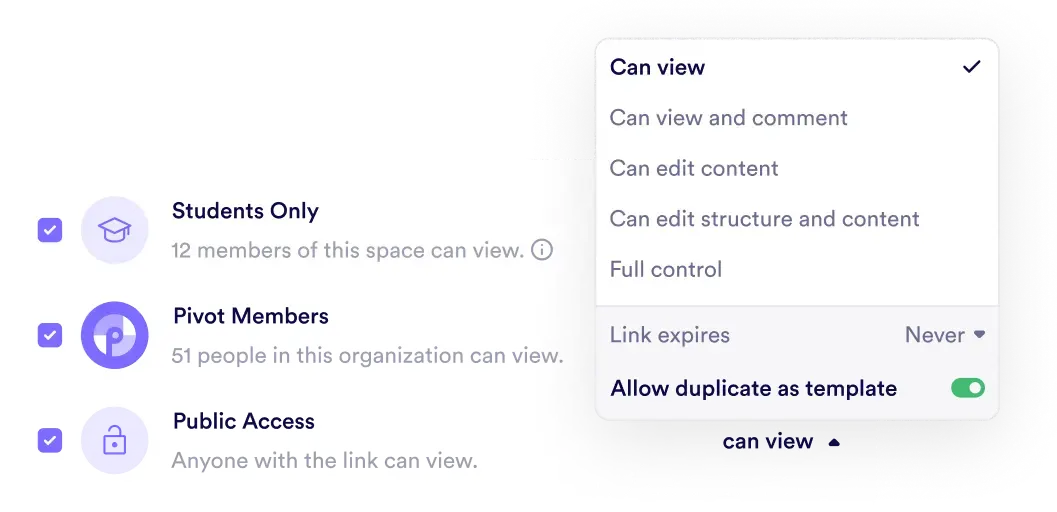
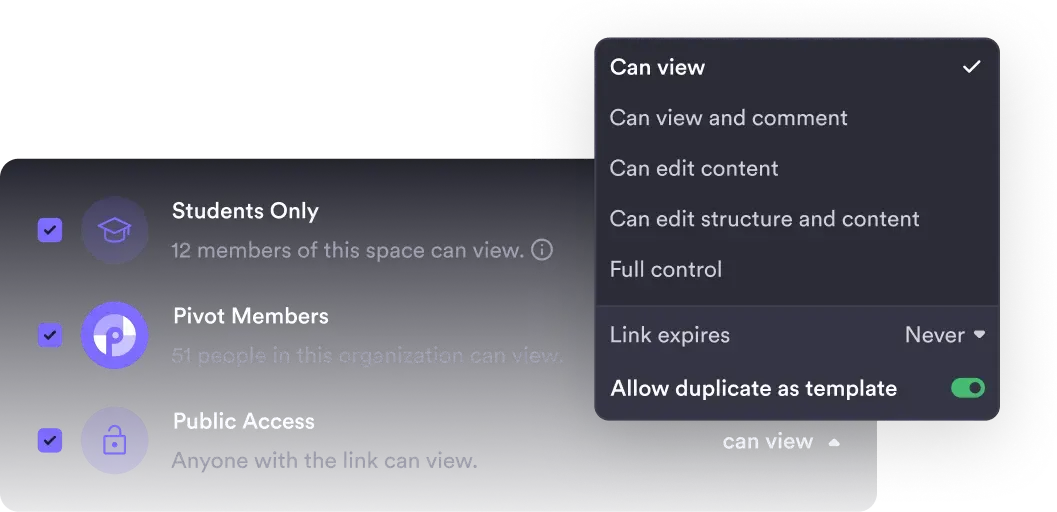
Decide who joins, who pays, and what each tier can see.
Roles and permissions
Co-teachers, TAs, and learners with the right level of access.
Grading and records
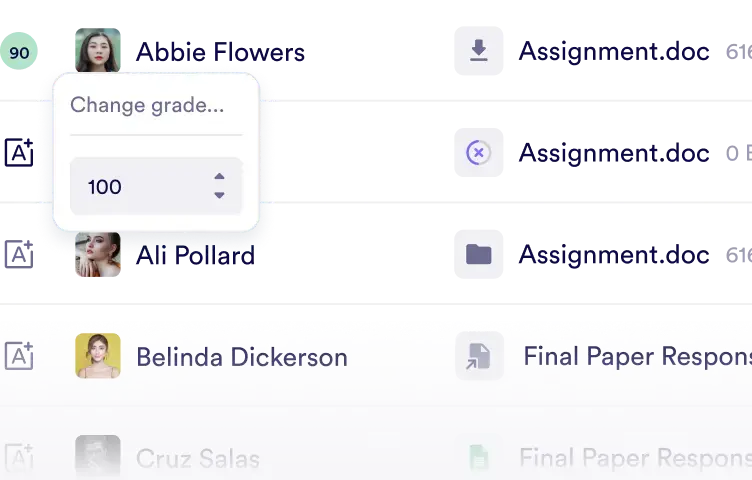
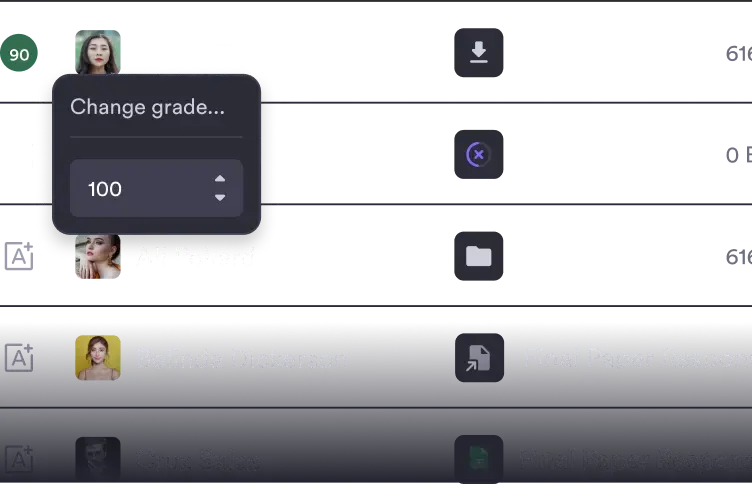
Track submissions, attendance, and progress with clear audit trails.
Integrations
Connect calendars, payment tools, and analytics for a complete workflow.
Scale With Pivot
Start fast
Spin up a course space, publish your first lessons, and schedule a Q&A.
Monetize when ready
Add tiers and perks for premium access while keeping access rules simple.
Grow support and depth
Bring in collaborators, add analytics detail, and layer integrations as you scale.
Starter
$16
/mo/user
Professional
$24
/mo/user
Enterprise
Custom
Built for courses, not just content
Lessons, posts, rooms, pages, files, calendar, and analytics stay attached to the course.


Simple where it counts
Live moments and async threads without a maze of plugins.
Grows with your audience
Start solo, add collaborators, and expand to multi-cohort programs as you grow.