Oct 5, 2026
Pivot Is Now on Android: Your Spaces, Rooms, and Work in Your Pocket
 Jennifer Simonazzi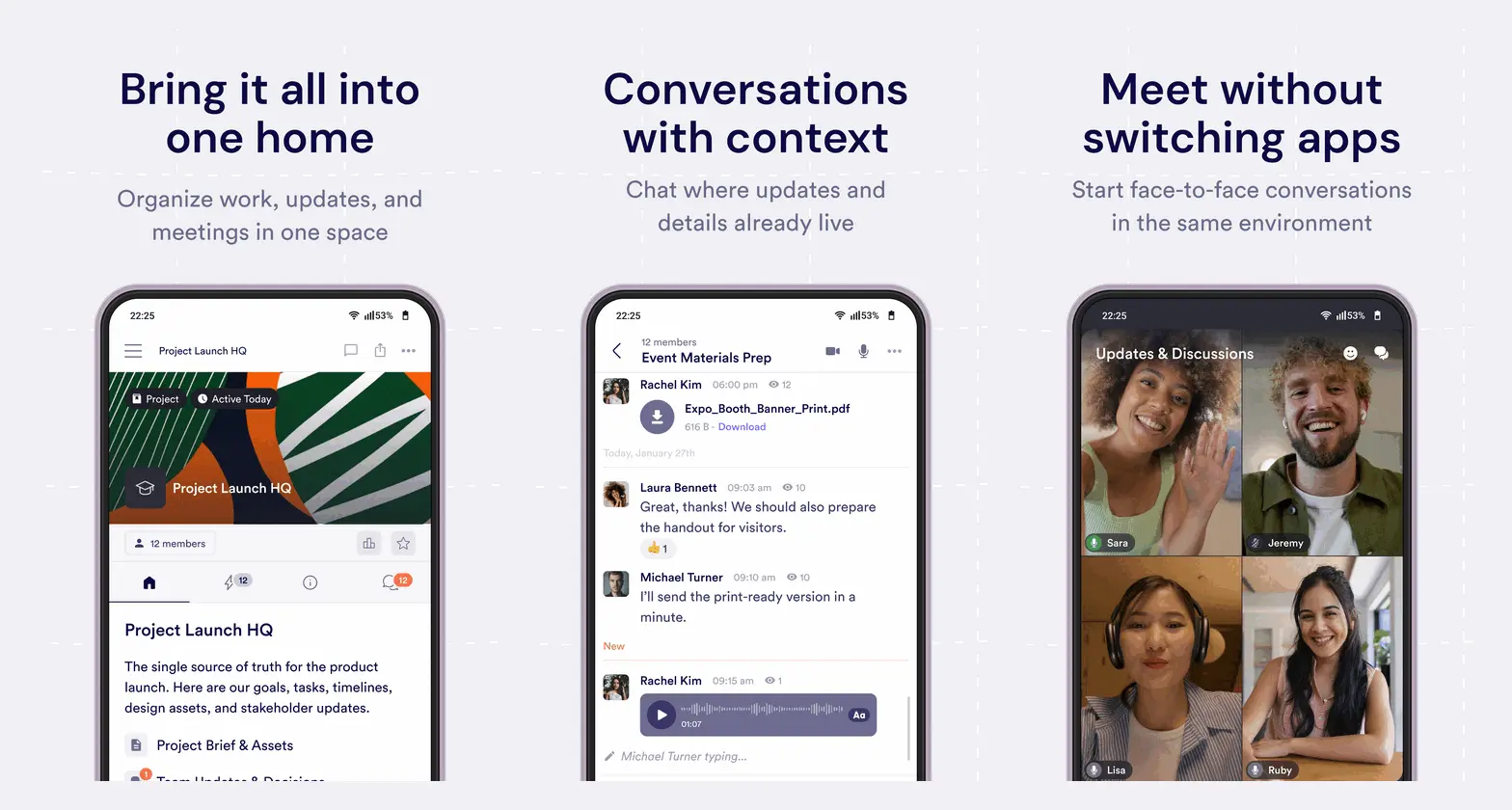
When we launched the Pivot mobile app for iOS, one request came up again and again: "When is it coming to Android?"
Today, it's here. Pivot Workspace is now available on Google Play, so everyone in your project, course, team, or community can stay connected from their phone, whichever device they carry.
From your Android phone, you can:
Move between projects, communities, courses, and team spaces.
Send messages, reply to threads, and react to conversations.
Open shared pages, databases, files, assignments, and embedded resources.
Check notifications and return to the activity that needs your attention.
Join live audio and video conversations.
One Pivot, Every Device
Mixed-device groups are the norm. A course might have learners on Android phones and instructors on iPhones. A community might span every device its members already own. A project team might switch between laptops at their desks and phones on the move.
With Pivot on Android, iOS, web, Mac, Windows, and Linux, nobody gets left out of the conversation. You sign in with the same Pivot account and see the same spaces, rooms, and content everywhere. Start a reply on your phone, pick it up on desktop, and the context is already there.
Keep Projects, Courses, and Communities in One Place
Spaces give every project, team, course, or community a shared home. From your Android phone, you can move between the spaces you belong to and browse the pages, rooms, and resources inside them.
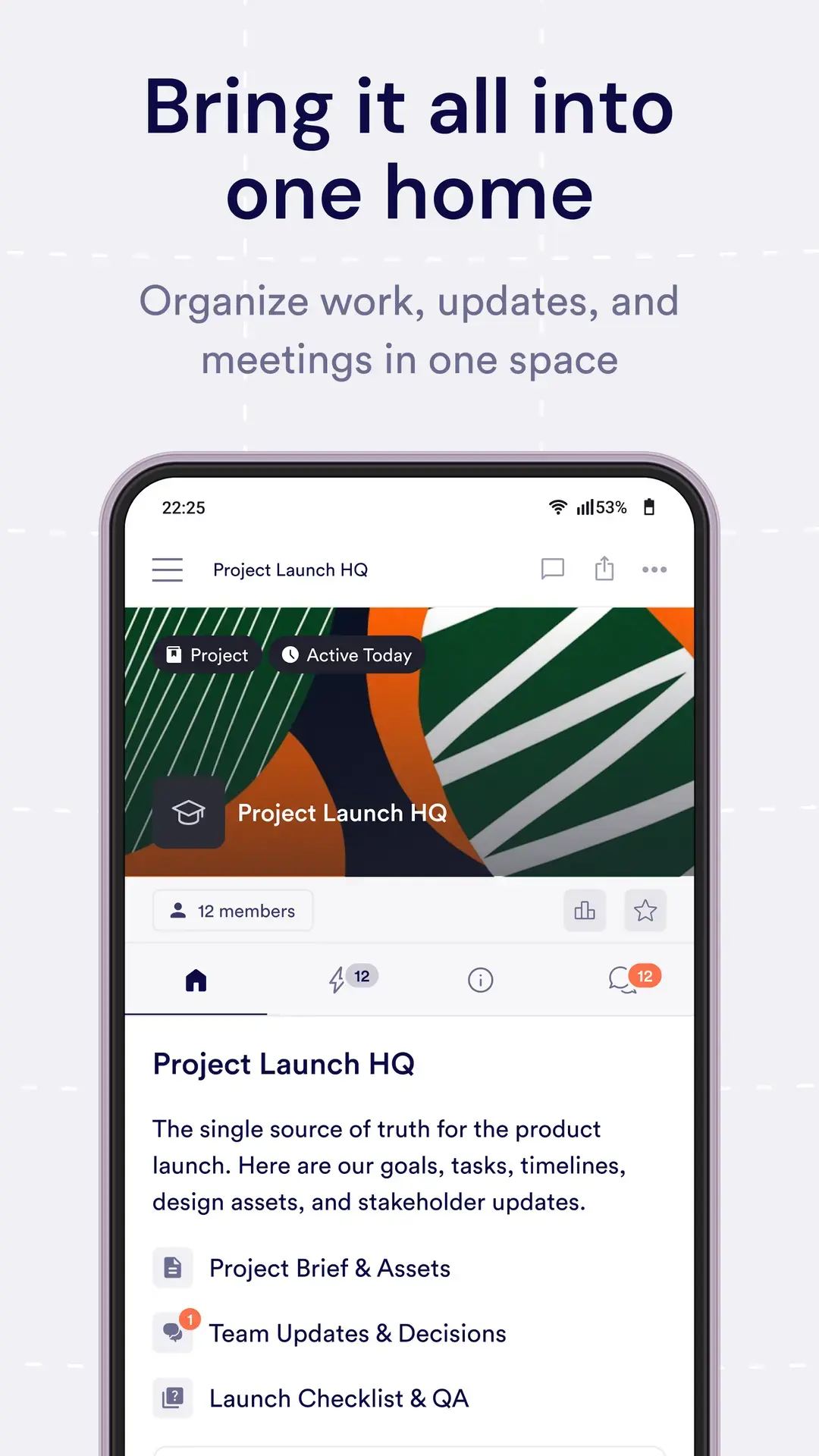
Everything stays where it belongs. Project updates remain with the project, course discussions stay with the course, and shared resources are ready when you need them.
Continue Conversations in Chat and Post Rooms
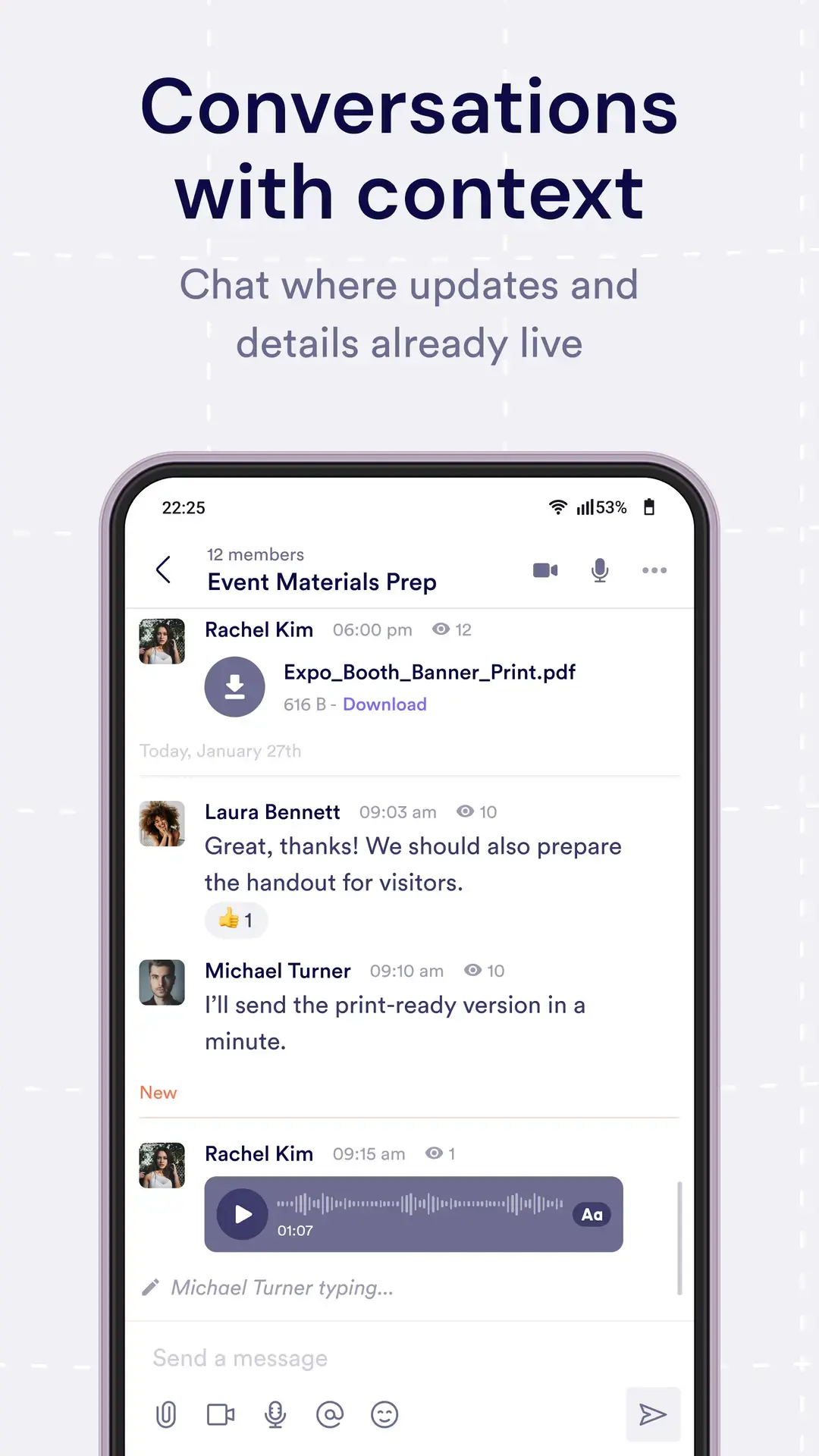
Rooms give every conversation a clear place to live. In chat rooms, you can send messages, reply to threads, react to messages, and follow a discussion as it develops.
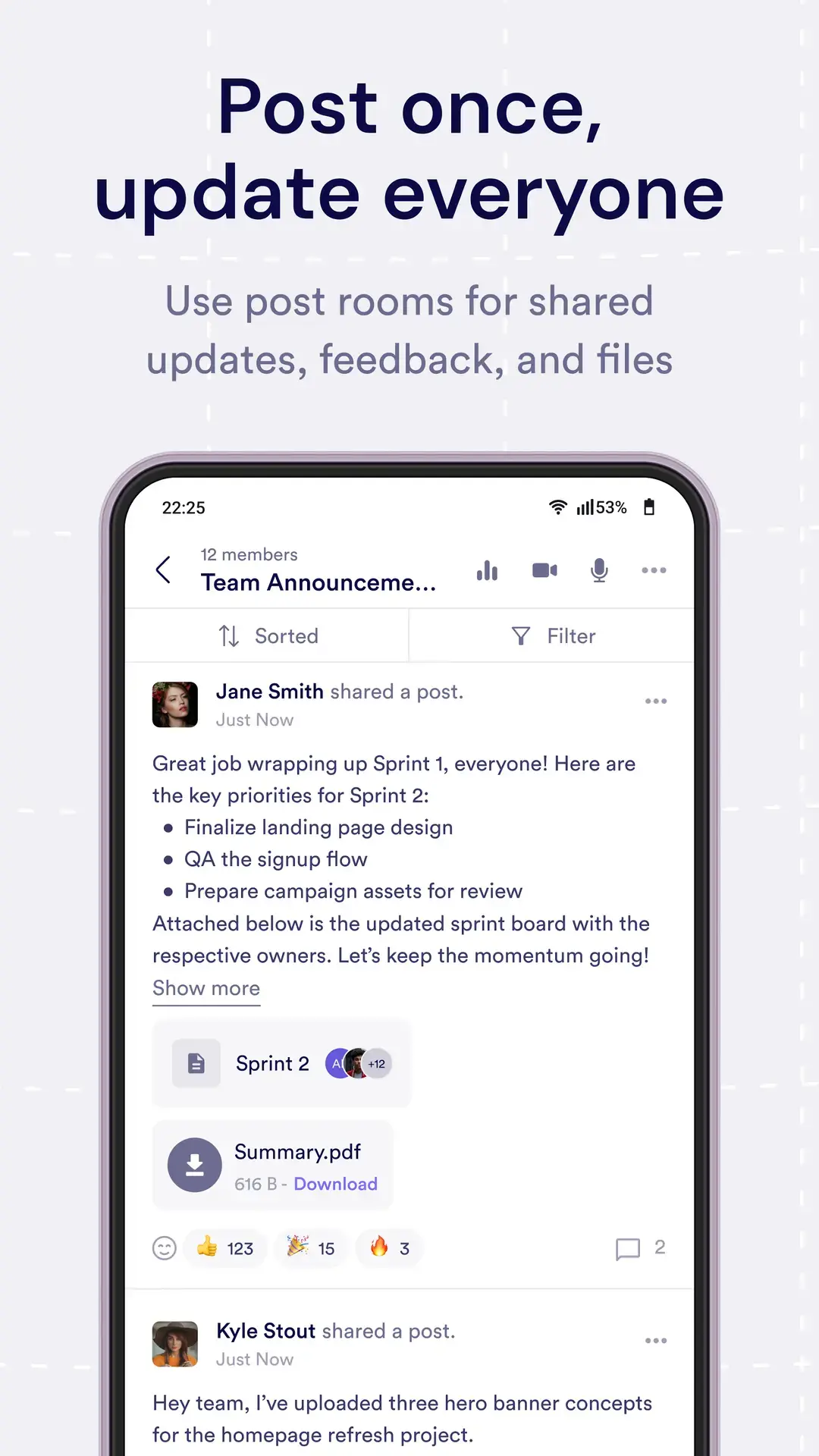
Post rooms keep announcements, updates, and feedback together with the discussion around them. Share an update once, and everyone can respond in the same place instead of across scattered threads.
Open Shared Content Right Where It Belongs
Pivot spaces are organized with blocks. Blocks can hold pages, databases, files, assignments, and embedded resources, so important information doesn't disappear across separate apps.
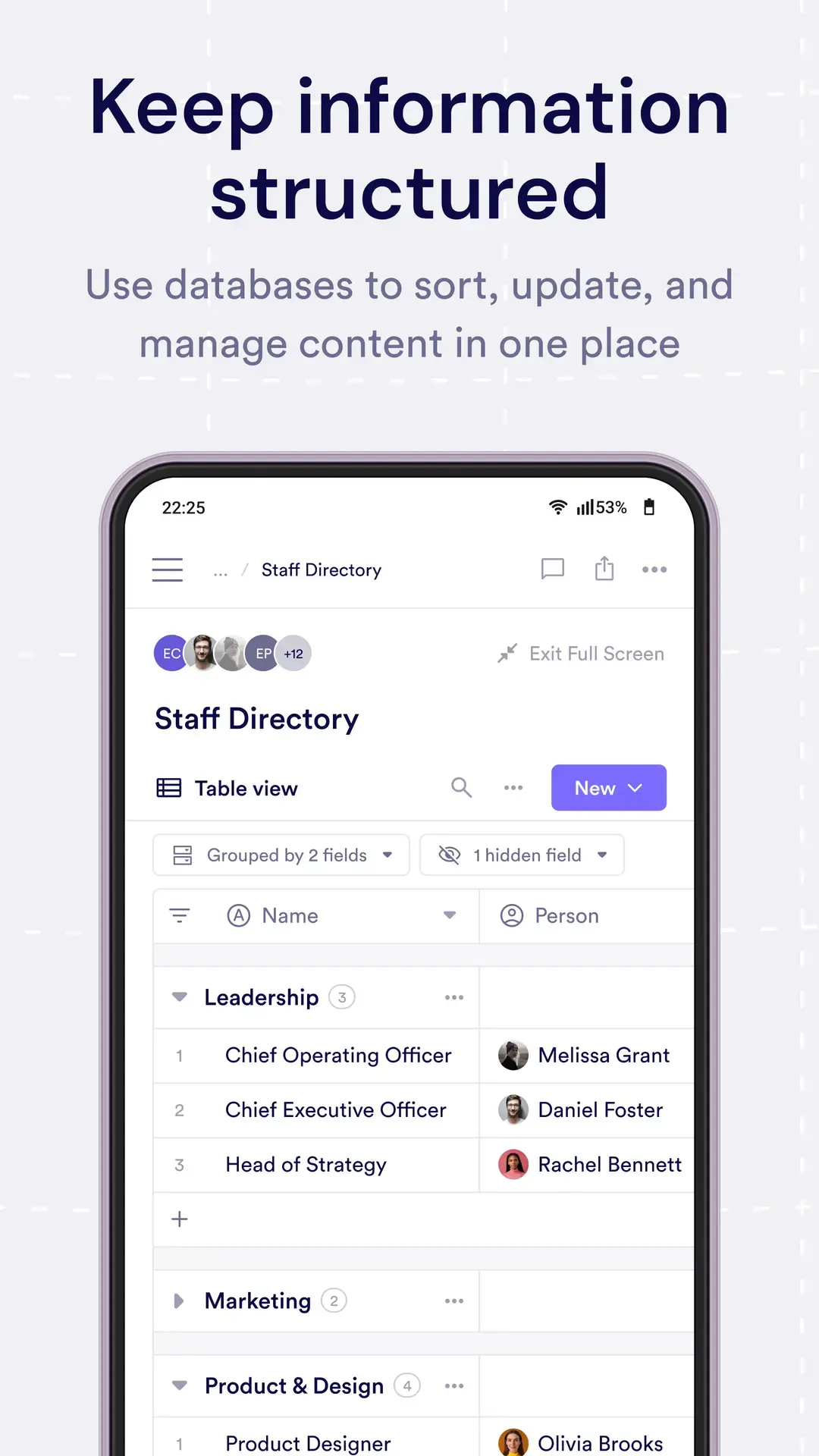
On Android, open that content from the space where it lives. Review a plan before a meeting, look up a teammate in a shared directory, or check a file between tasks without starting the search from scratch.
Keep Coursework Moving Between Classes
Courses often combine instructions, deadlines, submissions, and discussion. Keeping those pieces in one space makes the next action easier to find, even when instructors and learners are away from a computer.
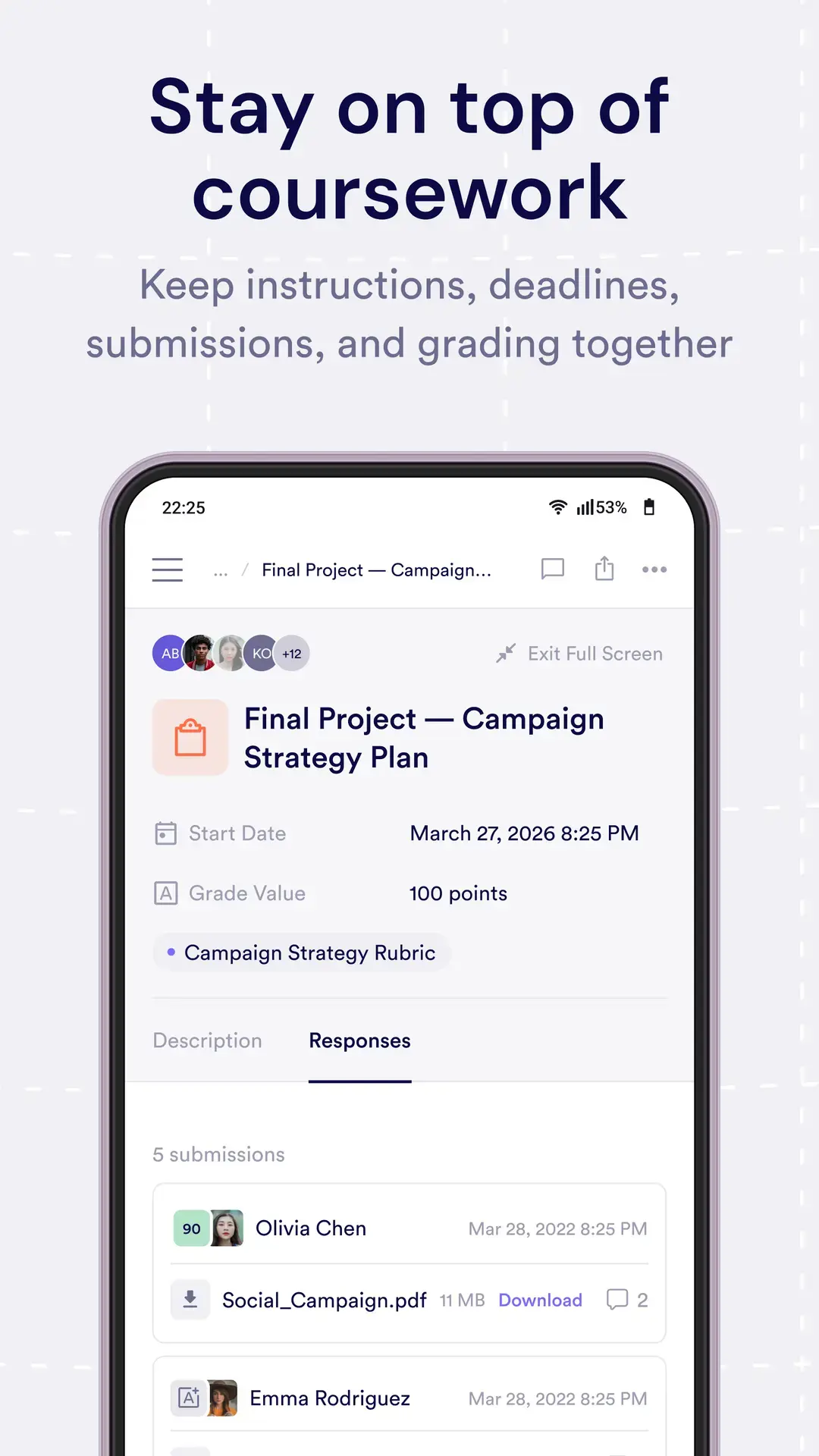
Open assignment content and review the resources around it from your phone. Learners can check what's due before class, while course teams can keep instructions, updates, and supporting material together.
Join Live Conversations Without Switching Apps
Some conversations need a live moment. Pivot's audio rooms and video rooms keep meetings inside the same space as the related updates and resources.
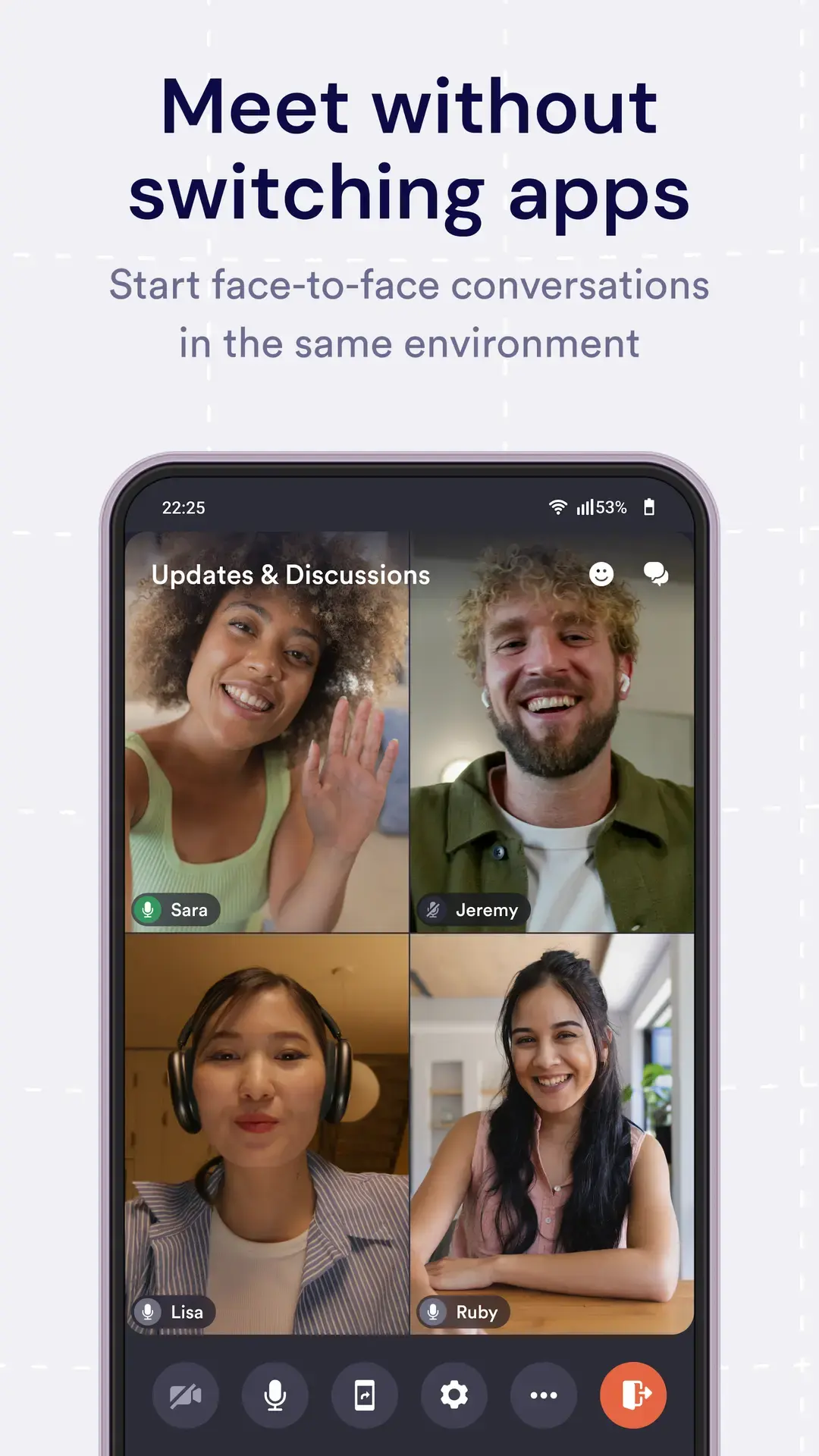
Open the room from your phone and join the conversation without sending people to a separate meeting app. When the live moment ends, the space is still there for the next update, reply, or shared resource.
Stay Up to Date Without Chasing Notifications
Notifications bring you back to new messages, replies to your conversations, updates in rooms you follow, and activity related to assignments or posts.
Instead of adding another stream to monitor, Pivot gives you a direct path back to the work that needs your attention. Respond when the moment is right and keep the full discussion in view.
Make Mobile Work for the Moments That Matter
The best mobile workflows are often the shortest: check an update, open the right file, answer a question, react to a message, or join a live room. You don't need to recreate your desktop setup just to keep something moving.
That's the role of Pivot on mobile. Spaces keep the group together, rooms keep the conversation organized, and blocks keep the content visible. Your phone becomes a direct path into the work, not another workspace to maintain.
Get Pivot on Android
Already using Pivot on web or desktop? The Android app gives you another way to stay connected to the spaces, conversations, and content that matter to you.
Ready to take Pivot with you? Get Pivot on Google Play. On an iPhone or iPad? Download Pivot from the App Store.
Want to see what you can do before you get started? Explore the Pivot mobile app guide for a closer look at supported mobile workflows.
New to Pivot? Explore Pivot on the web and see how spaces, rooms, and blocks bring work and conversation into one place.

Jennifer Simonazzi
Content Writer
Share this post
Subscribe to never miss out on updates and inspiration
Watch new Pivot tutorials, attend live training sessions, and get access to exclusive new features.

