Creating and Accessing Spaces
Learn how to create a space in Pivot, invite members, choose templates, and access spaces through links, requests, or direct joining based on permissions.'
Spaces are the backbone of collaboration in Pivot, offering flexible environments for teams, communities, and projects. Below, we outline the processes for creating and accessing spaces.
Creating a Space
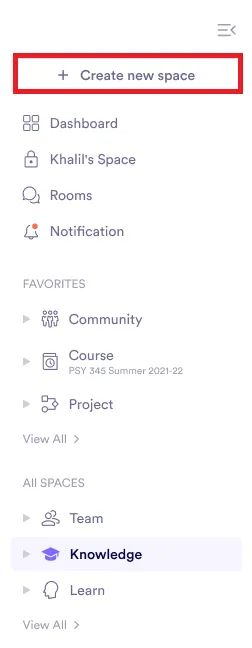
Select **Create new space**
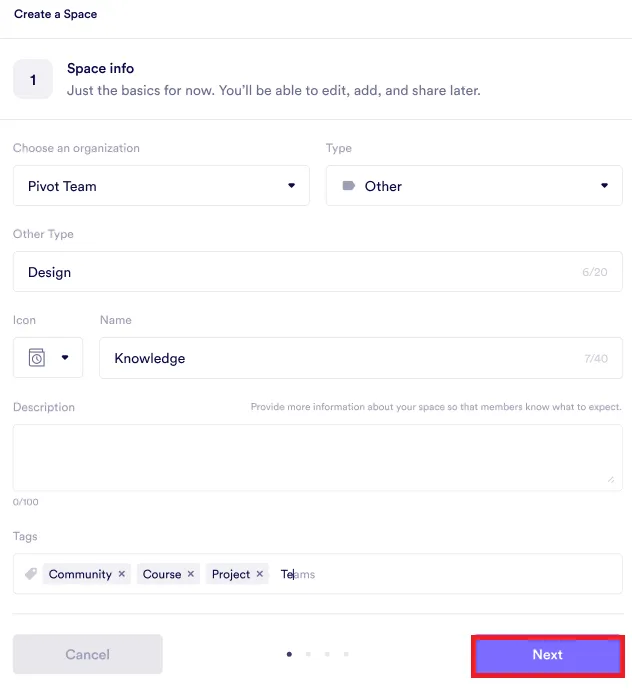
Fill in the space information
Enter the required details and click Next: - Choose an organization. - Select the type of space: community, course, knowledge, project, team, or other. - If Other is selected, provide a custom type. - Add an icon, name, description, and tags.
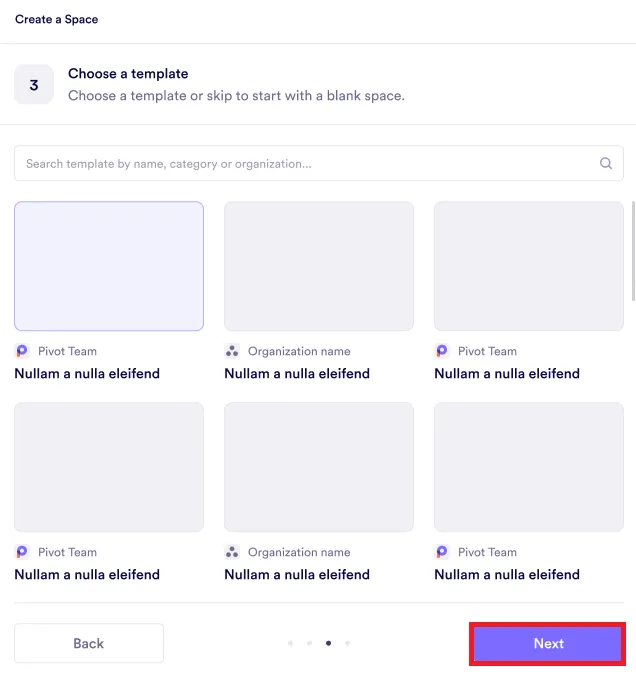
Choose a template or skip
Select a template for your space or skip this step, then click Next.
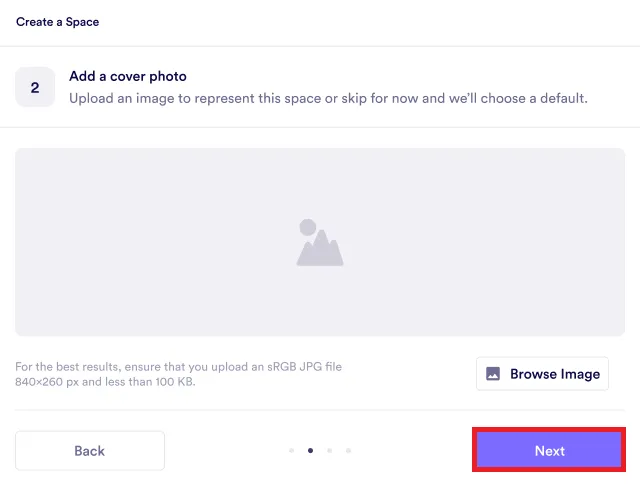
Add a cover photo
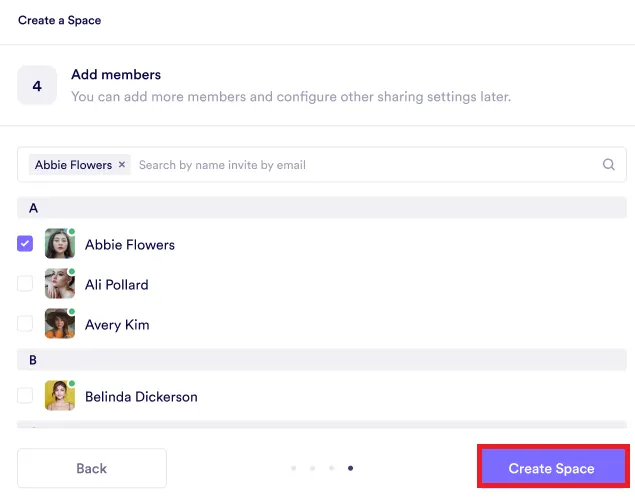
Add members to the space
Space Templates
Open My spaces and select Templates to browse the templates you can use. Previewing a template does not join it or create a space. Select Use template to create an independent space with its structure and content. Changes to the new space do not change the template.
You can create a blank template from the Templates tab or choose Save as template from an existing space’s menu. Both flows ask who can use or edit the template before it becomes available. Templates remain ordinary spaces on the membership screen, so the same people, groups, and roles are used:
- Organization can use lets full members of the organization preview and use the template.
- Private limits use to people and groups explicitly added as members.
- Can use gives an explicitly added person or group use-only access.
- Can use and edit gives an explicitly added person or group permission to edit the template.
Templates do not have an access-request flow. Someone can either use the template through organization sharing or ordinary membership, or they cannot see it.
Accessing Spaces
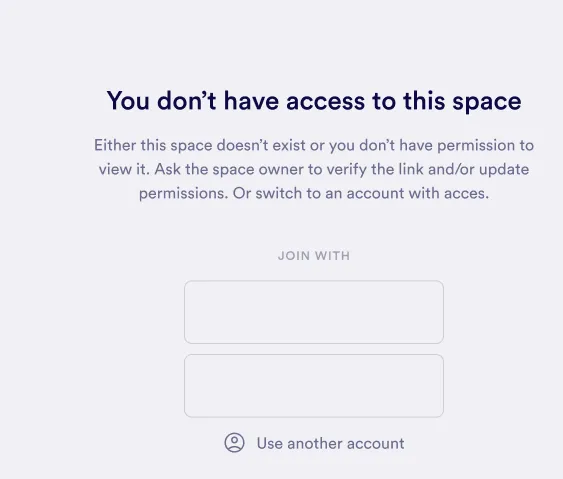
Accessing a space without a shared link
Check your account
Contact the space owner
Requesting access to a space
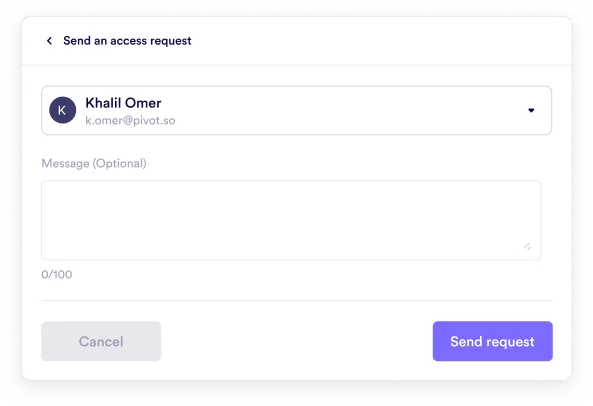
Click send an access request
If you are an organization member, have the shared link, or the space allows public requests, click Send an access request.

Write a message and send request
Joining a space directly
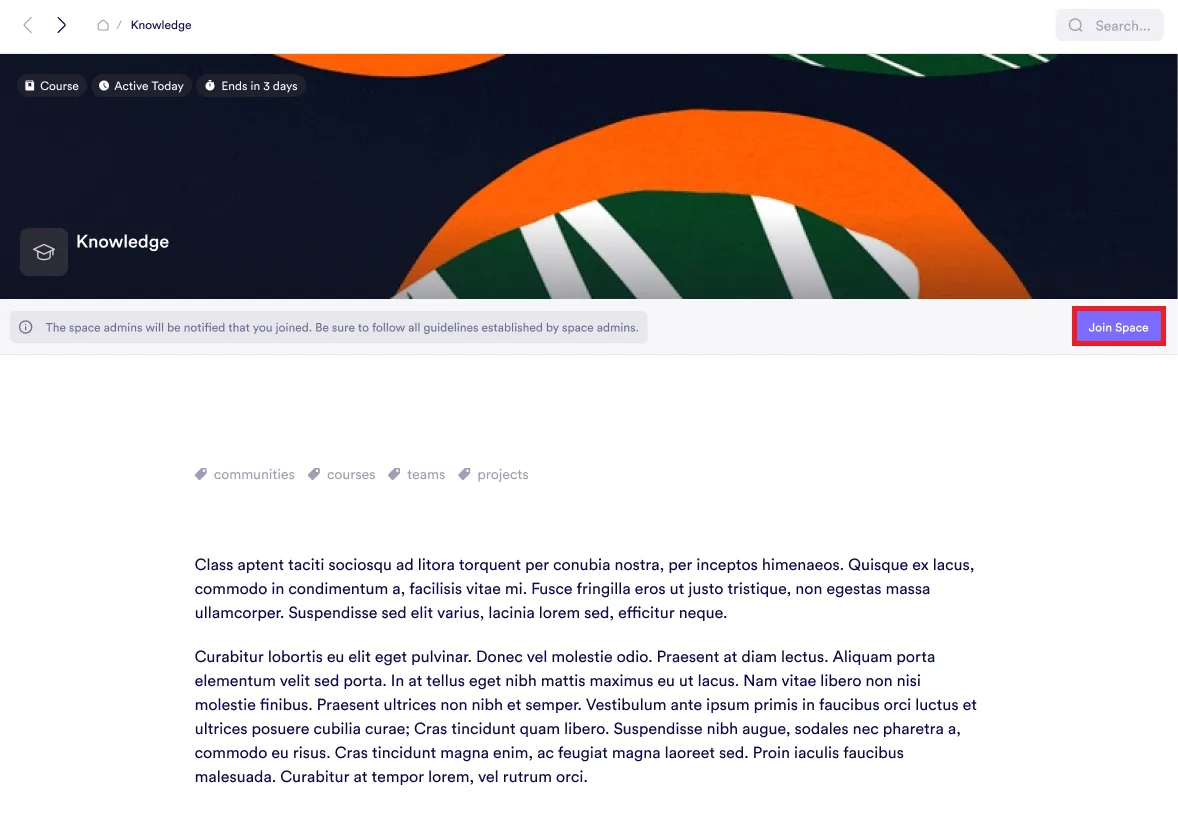
Click join space
If the space settings allow direct joining, click the Join space button to access it.
Space Activity
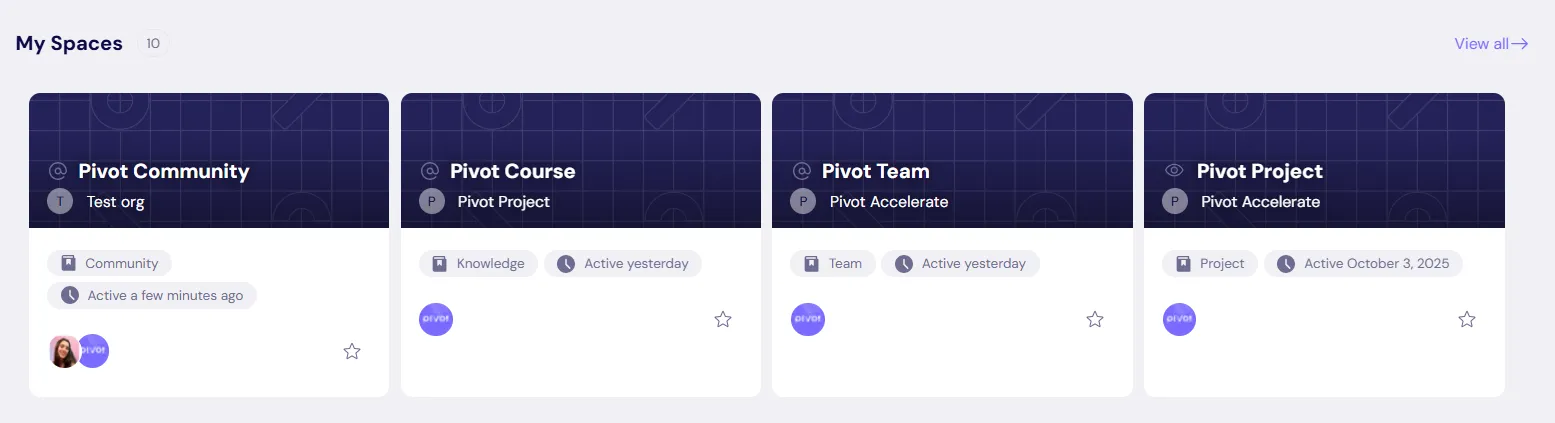
Space activity appears on space cards. The timestamp reflects the most recent activity in the space.
Was this guide helpful?