Presence and Activity Indicators
Learn how presence and activity indicators work across Pivot, including member status, space activity, and room participation.
Presence and Activity Indicators
Pivot displays presence and activity indicators throughout the platform to show which members are currently present or were recently active. These indicators update automatically based on member activity.
Member Status Indicators
Across Pivot, member avatars can display a presence status that reflects whether a member is currently online or was recently active.
The following status indicators are used:
- Green: Online
- Yellow: Recently online
- Grey: Offline
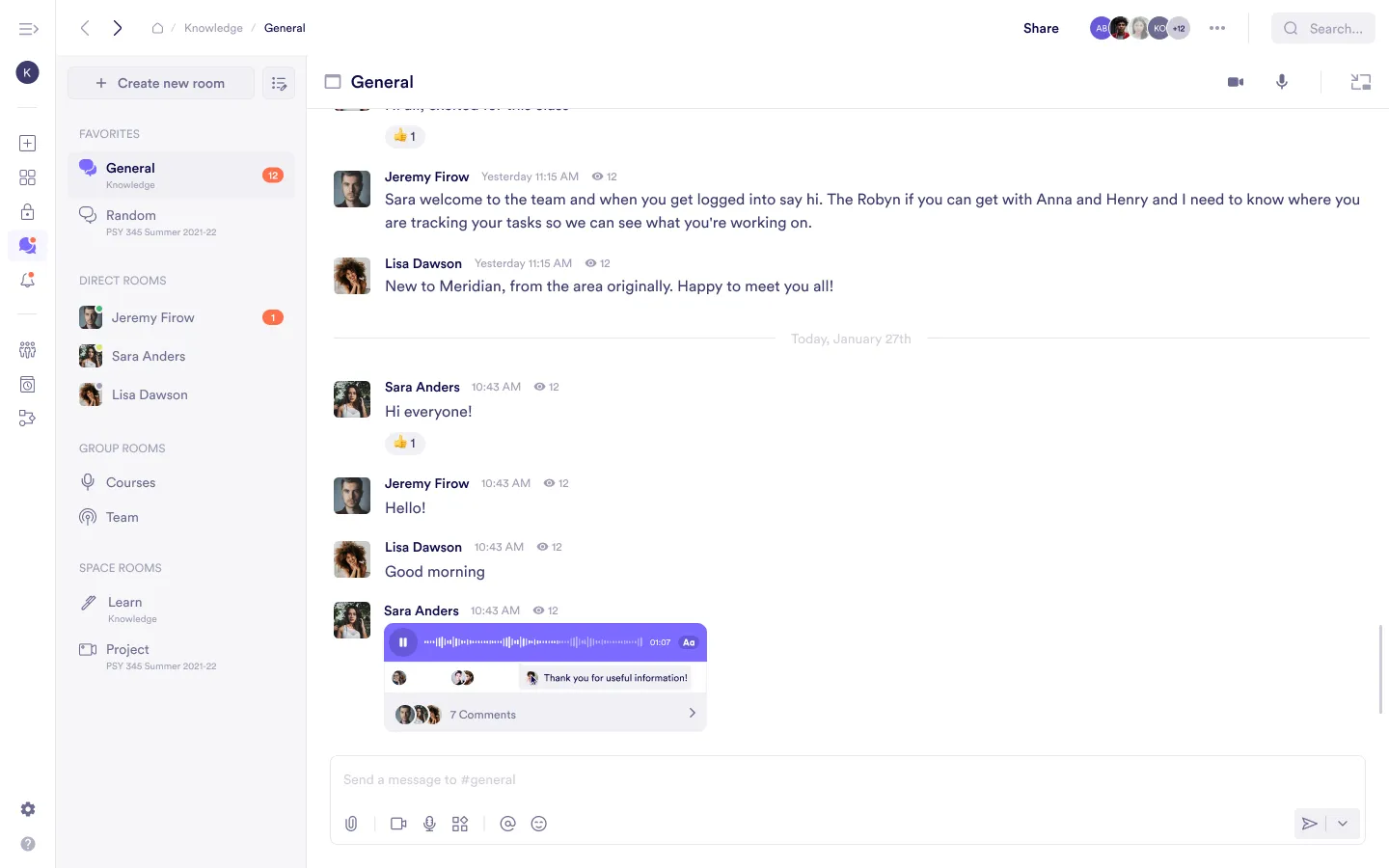
Status indicators reflect general availability and do not guarantee that a member is currently viewing the same space, page, or block.
Space Homepage
At the top of a space homepage, a row of member avatars is displayed.
This row represents members who are:
- Currently active in the space
- Recently present in the space

Avatars indicate recent activity within the space and do not reflect a member’s exact location, such as which page or block they are viewing.
Individual Blocks
When viewing most block types, avatars appear for members who:
- Are currently viewing the block
- Were recently active on the block
This provides visibility into concurrent or recent activity on that block.

Room Blocks
Room blocks display a compact set of avatars representing members who are part of the room.
These avatars reflect room membership, not recent presence or activity on the block itself.

Audio and Video Rooms
Presence in audio and video rooms is displayed differently from other block types.
Before entering a room
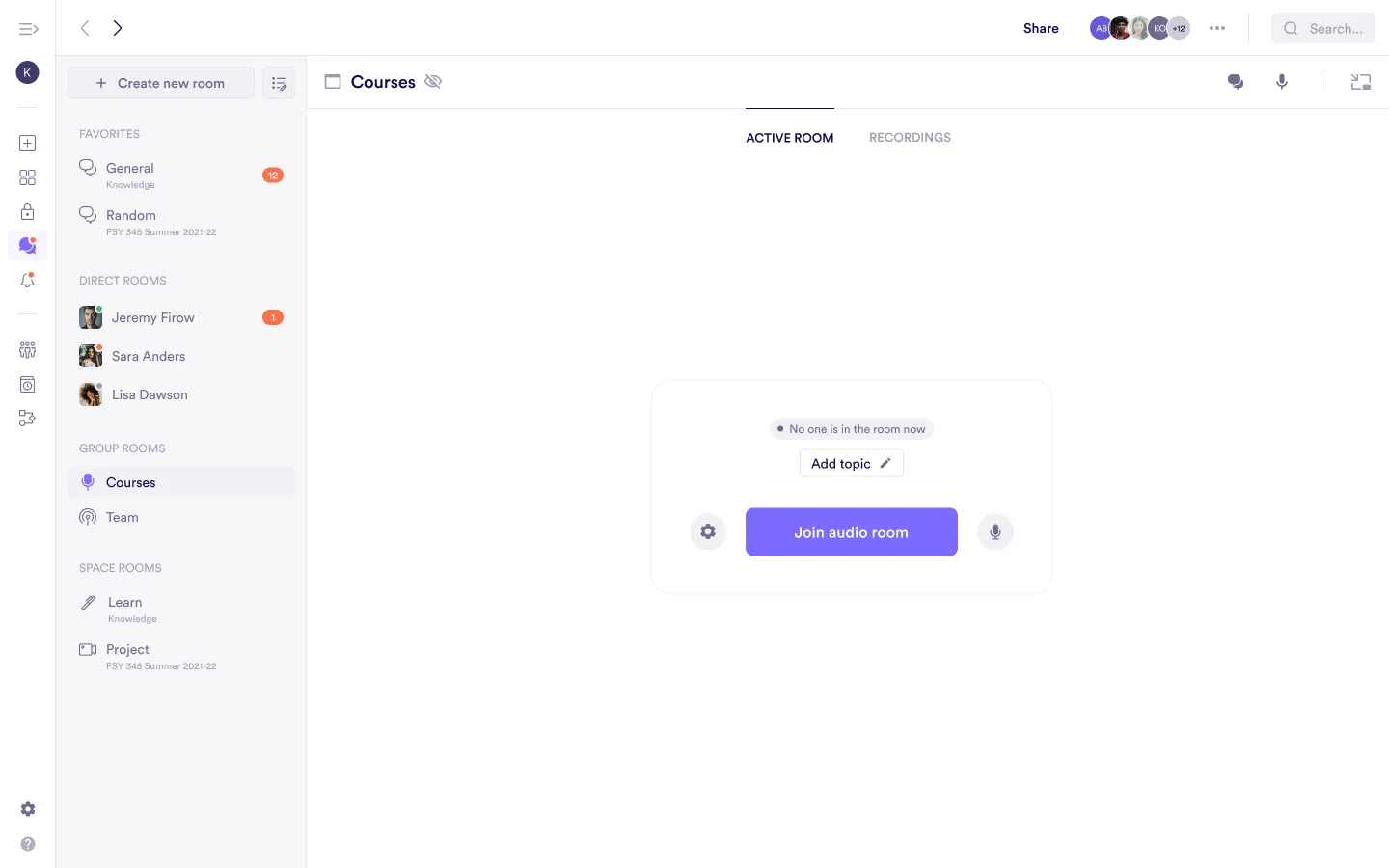
From the room block, avatars indicate which members are currently inside the room. This allows you to see whether a session is active before joining.
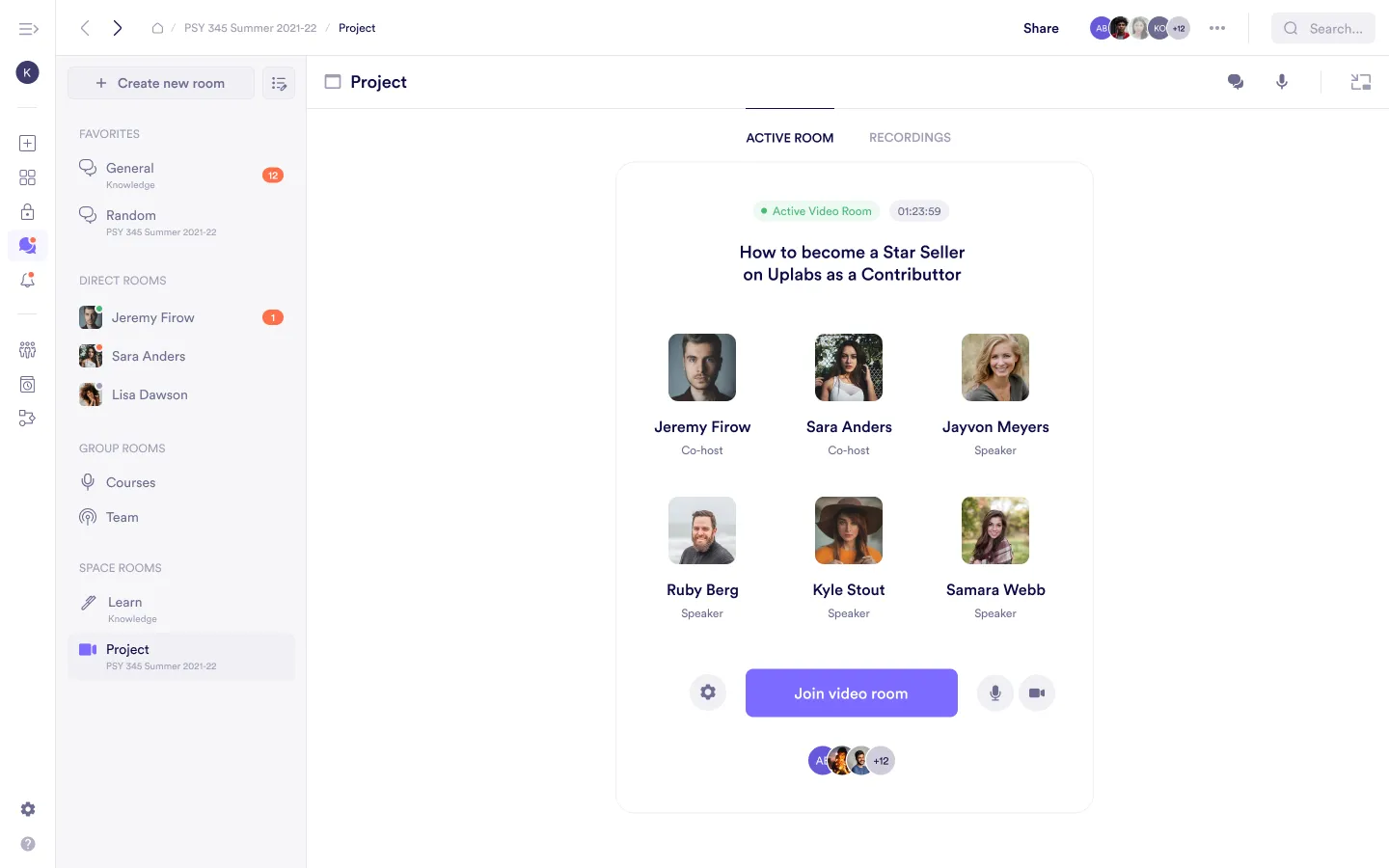
If no members are currently in the room, a message indicating that the room is empty is displayed.
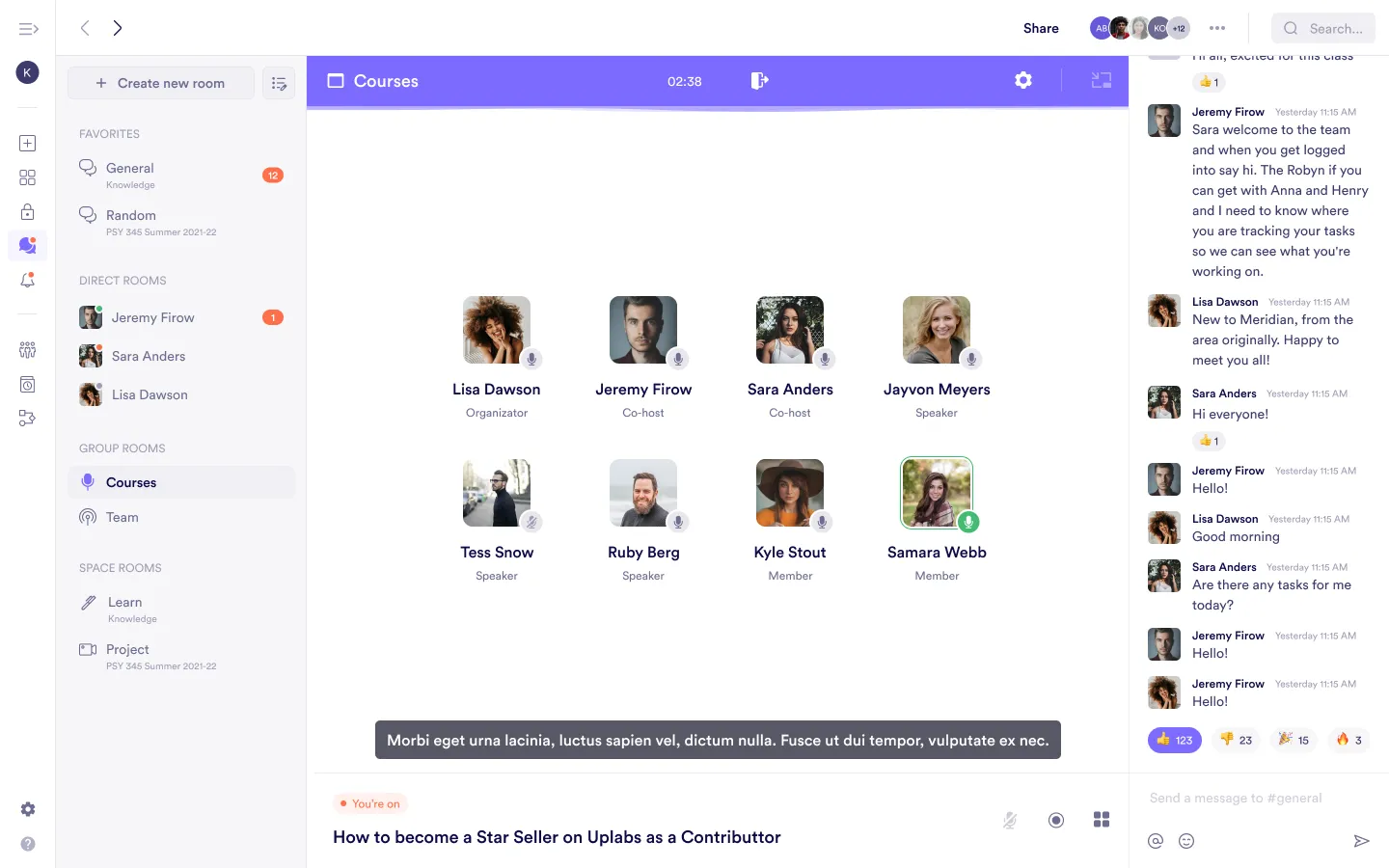
Inside an active room
When inside an audio or video room, all active participants are shown at the top right of the room interface.
These avatars represent members who are currently active in the session.
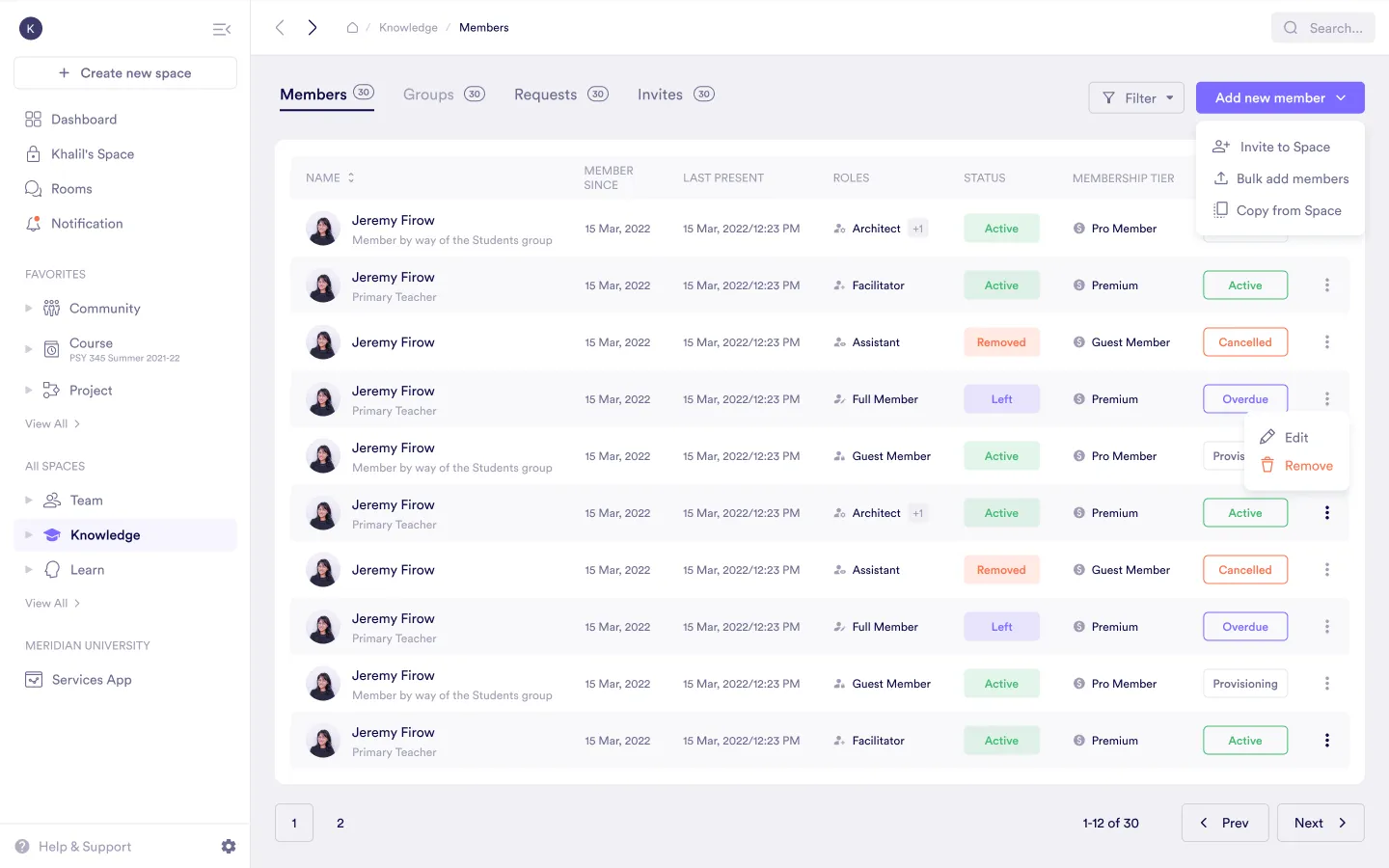
Space Members Page
On the Members page of a space, each member includes a Last present value.
This value shows the most recent time the member was active anywhere within the space. Activity may include visiting any page, block, or room in that space.
Was this guide helpful?